This site used to be a small app generated with Lovable: a TanStack Start frontend running on a Node server, fetching every post from a headless WordPress install on each request. It worked, but it was more moving parts than a small blog like this needs, and I wanted to stop editing it through Lovable.
What I wanted instead was simple to say:
- an editor where I write posts and upload images
- images shrunk and converted automatically
- a fast site, with as much caching as possible
- as little maintenance as possible
- a look I can change easily, with AI tools doing the edits
This post is the story of the rebuild: the options I weighed, the decisions I made, and the gotchas along the way. I did the hands-on work with Claude Code; the architecture, trade-offs and security choices are mine.
The options
I looked at three ways to do it.
- Keep WordPress headless, replace the frontend. Familiar, but still two things to host and patch, and every page still depends on a WordPress API call or a cache in front of it.
- Plain WordPress with a block theme. One system, a full editor, and
theme.jsonis easy to restyle. But it’s still PHP, plugins and updates, and every page is built on request. - A static site with a git-based CMS. Pages are built once into HTML files and served from a CDN. The editor saves posts as Markdown files in a GitHub repository, and every save triggers a rebuild.
Option 3 won on every point I cared about. There’s no server or database, so there’s nothing to patch. Pages are just files sitting in Cloudflare’s cache near the visitor. And the whole look lives in a few files in one repository, which is exactly what an AI coding assistant is good at changing.
The stack:
- Astro builds the site. Pages ship with no JavaScript at all.
- Sveltia CMS is the editor at backend. It’s a single page that commits to GitHub.
- Cloudflare Workers serves the files. Every push to
mainbuilds and deploys automatically.
Moving the posts
There were only ten posts at the time, so the migration was a one-off script:
- read every published post from the WordPress REST API
- convert the HTML to Markdown with
turndown(plus its GitHub-flavoured plugin for tables) - download the original of every image, not WordPress’s resized copy (it strips the
-1024x214suffix and tries that first) - write each post to its own folder,
src/content/posts/<slug>/index.md, with its images next to it
A few things needed fixing along the way:
- WordPress tables had no header row (just bold first cells), so they stayed as HTML. The script now promotes the first row to a real header.
- The WordPress excerpts started with headings (“1. Summary Context:…”), so they made poor descriptions. The script takes the first real paragraph instead and cuts it at a sentence end.
- One post’s address was literally
/blog/76. It got a proper name, plus a redirect from the old one.
Images: shrink twice
Images go through two stages.
- On upload. The editor shrinks the file to at most 2400 px and converts it to WebP before committing it, so the repository stays small. I ran the same conversion over the migrated images: 33 MB went down to 3.8 MB.
- On build. Astro makes copies at 480, 704, 960 and 1408 px, and the browser picks the smallest one that’s sharp enough. The hero image went from a 998 KB PNG to an 11 KB AVIF.
One catch: Astro told browsers an image might be as wide as the file itself (sizes="(min-width: 704px) 704px, 100vw"), but post text is never wider than 704 px. So phones and laptops were downloading copies two or three times too big. A tiny build step now caps sizes at the column width, and together with fewer copy sizes it nearly halved the build output.
Caching
Static files make caching almost trivial:
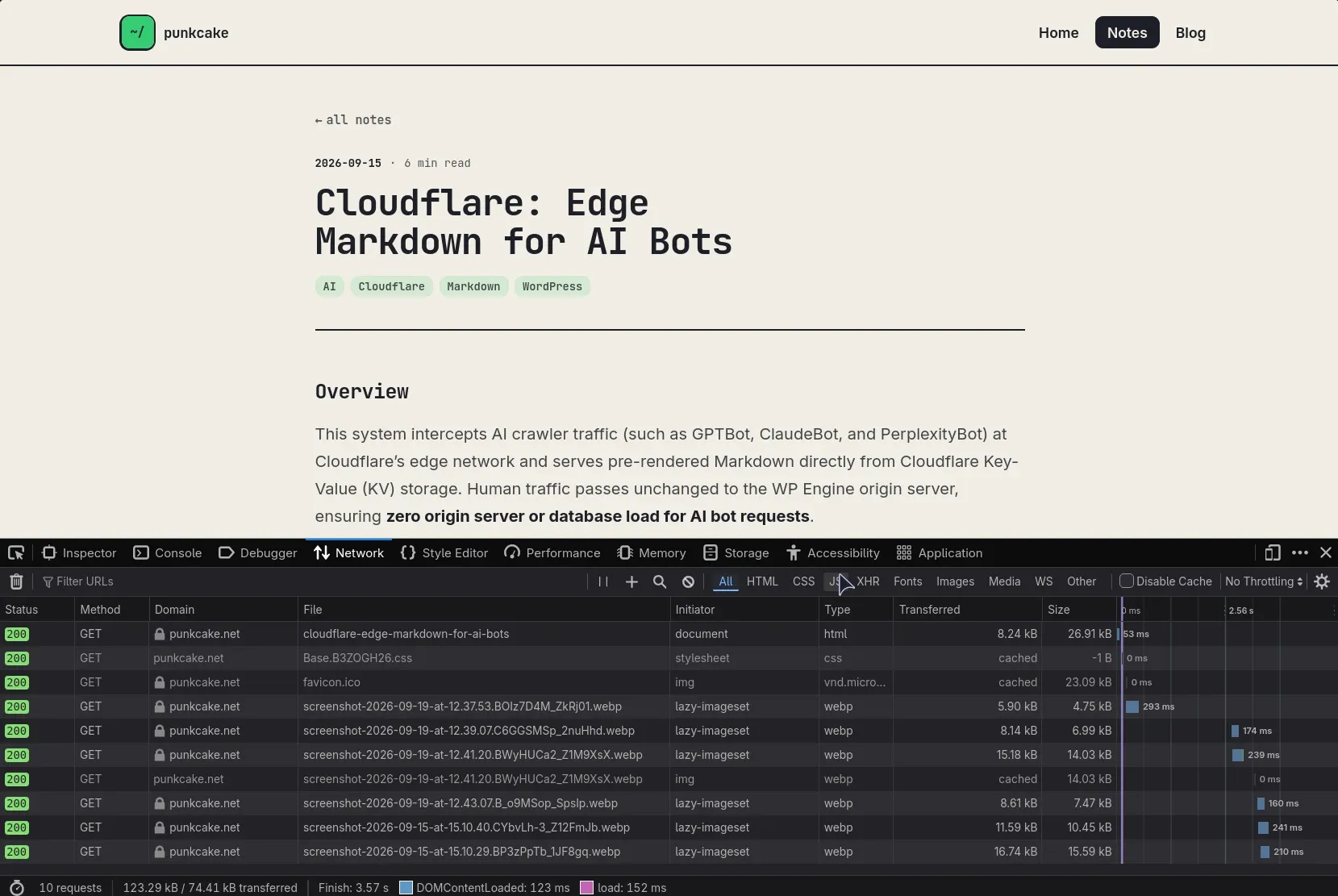
- Nothing is built per visit. Every page is a file, served from Cloudflare’s edge.
- CSS, fonts and images have a content hash in their names, so they can be cached for a year:
/_astro/*
Cache-Control: public, max-age=31536000, immutable- HTML is revalidated on every visit, so a new post shows up the moment a deploy finishes. There’s no cache to purge by hand.
Cloudflare adds zstd compression and HTTP/3 without any setup. The settings I deliberately left off are just as important: Rocket Loader, email obfuscation and automatic analytics all inject scripts, which this site’s security policy would block anyway.
Security headers
I treated the site like any production system: decide what it should be able to do, and forbid everything else. Because it runs no JavaScript and loads nothing from other sites, the Content Security Policy can be strict:
Content-Security-Policy: default-src 'self'; script-src 'none'; style-src 'self' 'unsafe-inline';
  img-src 'self' data:; font-src 'self' data:; object-src 'none'; base-uri 'none';
  form-action 'none'; frame-ancestors 'self'; upgrade-insecure-requests
Two things I only found by testing every page in a real browser: the build embeds a small font as a data: URL (blocked until I allowed it), and the editor needs its own exception because it loads its script from a CDN and talks to GitHub.
The editor and its login
Sveltia CMS signs in to GitHub, and the GitHub login needs a small server-side piece to keep the OAuth client secret off the browser. Rather than run a separate service, it’s built into the site’s own Worker. The Worker only runs for two paths, and everything else stays plain static files:
"assets": {
  "directory": "./dist",
  "binding": "ASSETS",
  "run_worker_first": ["/auth", "/callback"]
}
The code is adapted from the official sveltia-cms-auth Worker, with one change: anything that isn’t /auth or /callback falls through to the static files. It refuses to hand a token to any site except this one.
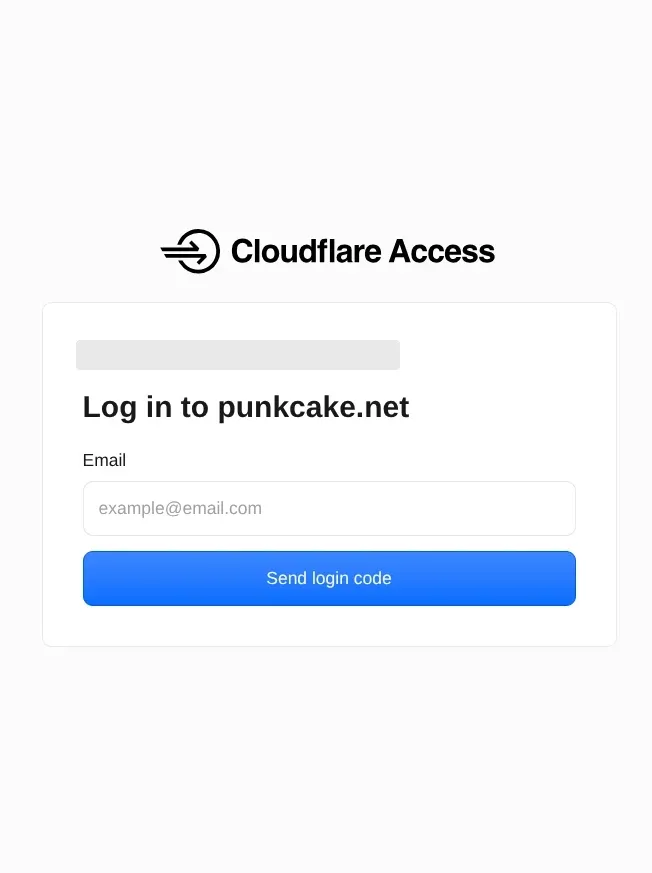
On top of that, CMS backend sits behind Cloudflare Zero Trust. Before the editor even loads, you get a one-time PIN by email, and only selected email addresses are allowed.
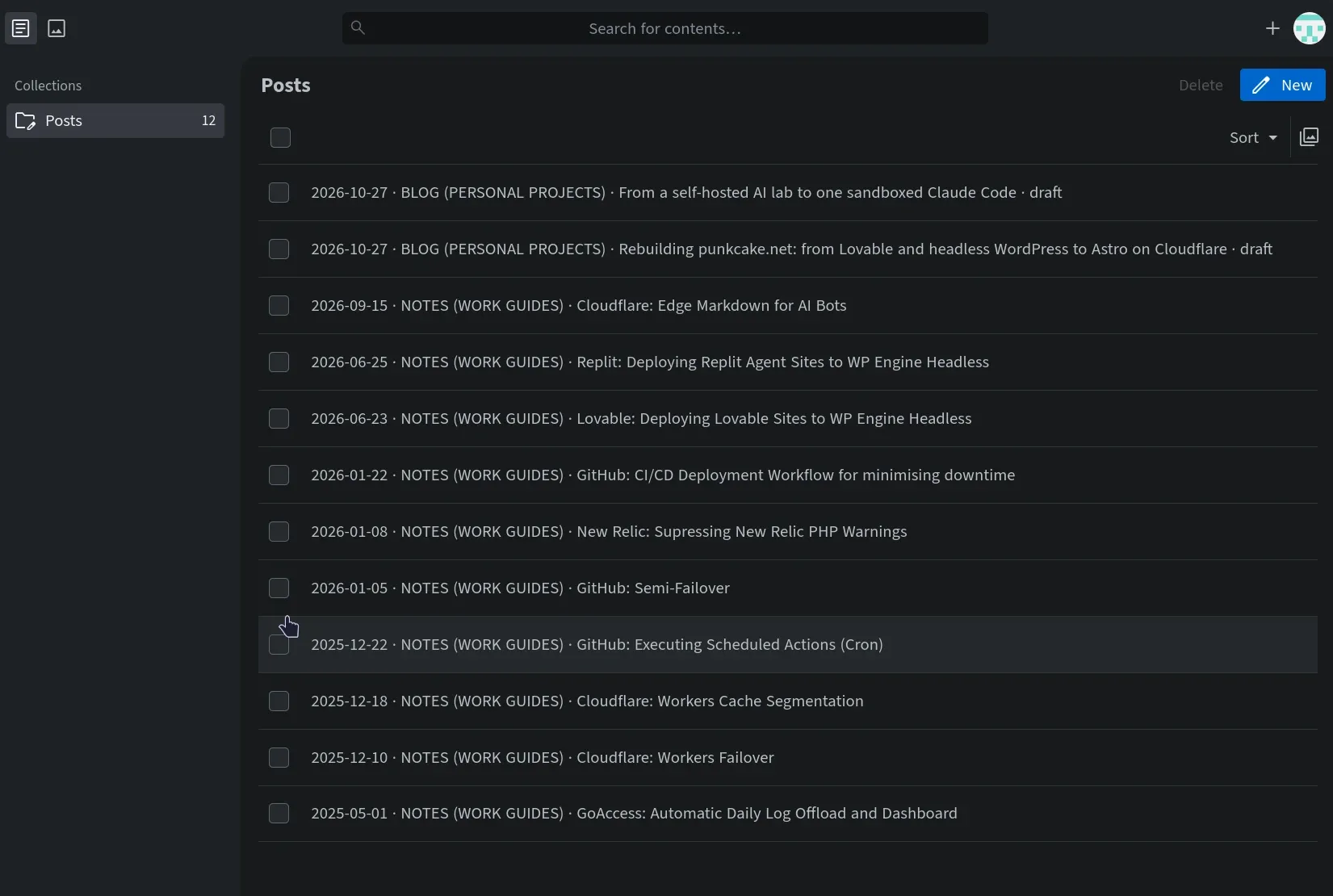
Writing a post now looks like this:
- Open backend CMS, enter the emailed PIN and sign in with GitHub.
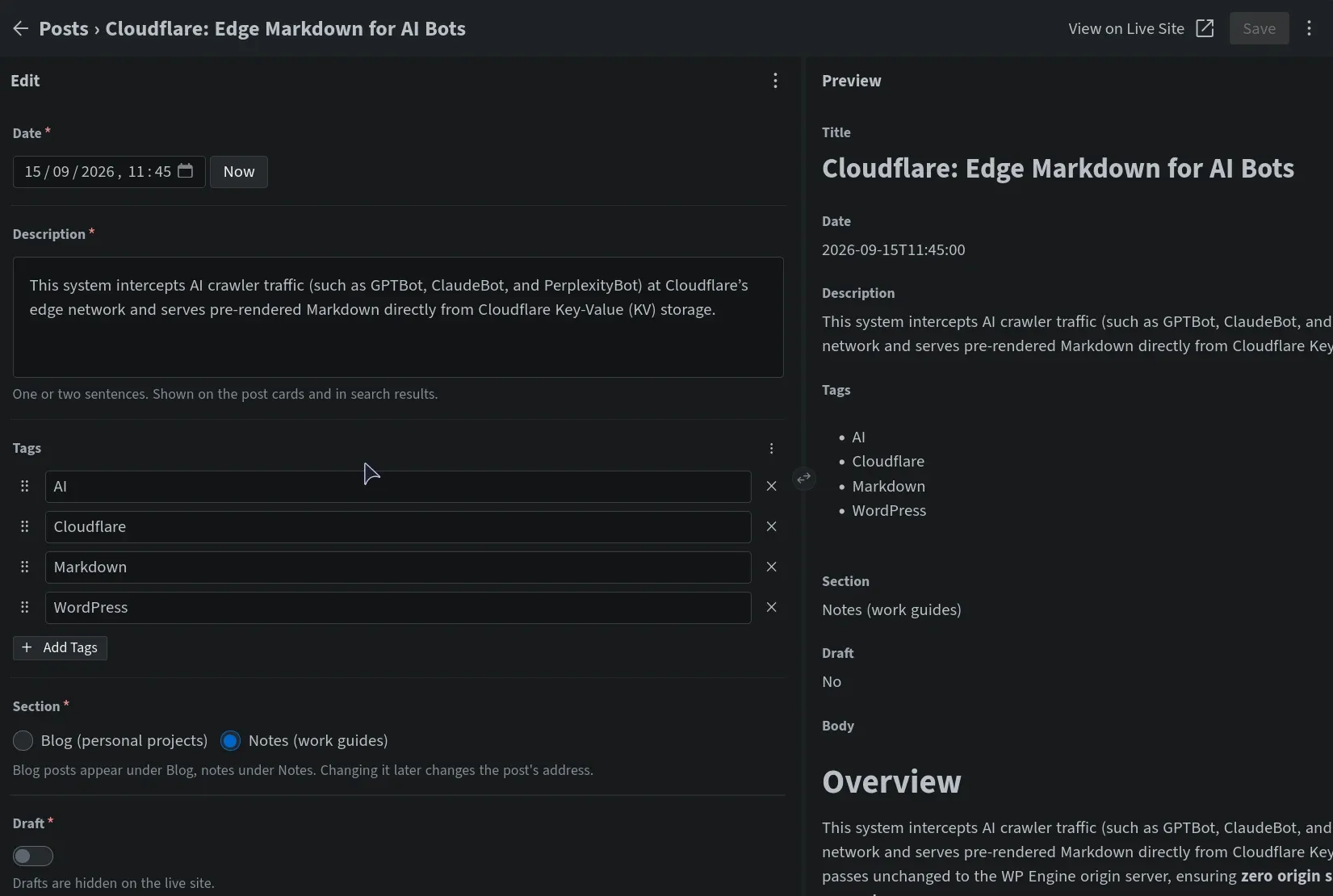
- Write, drop in images, pick a section, untick Draft and publish.
- It’s live 1–2 minutes later.
Gotchas worth knowing
- Local editor testing needs a Chromium browser. Sveltia’s “Work with Local Repository” uses the File System Access API, which Firefox-based browsers don’t have. A Chromium Flatpak just for testing did the job.
- A date field that saved only the time. Setting
time_formaton its own made the editor store'09:27'. The post was then silently skipped, because it failed the content schema. The fix was an explicitformat: "YYYY-MM-DDTHH:mm:ss". - Cloudflare serves
/admin/index.htmlat/admin. From that address the editor looked forconfig.ymlin the wrong folder. A<link rel="cms-config-url" href="/admin/config.yml">fixed it. - Astro 7 behaves differently when an AI agent runs it. It detaches the dev server into the background and writes a lock file into the project. With two containers sharing the folder, the second one refused to start.
astro dev --ignore-lockturns both off.
Results
Lighthouse in mobile mode, on every page:
| Performance | Accessibility | Best practices | SEO |
|---|---|---|---|
| 100 | 100 | 100 | 100 |
Each page weighs 120–180 KB with everything on it, and the main content appears in 0.8–1.5 s on Lighthouse’s simulated slow phone.
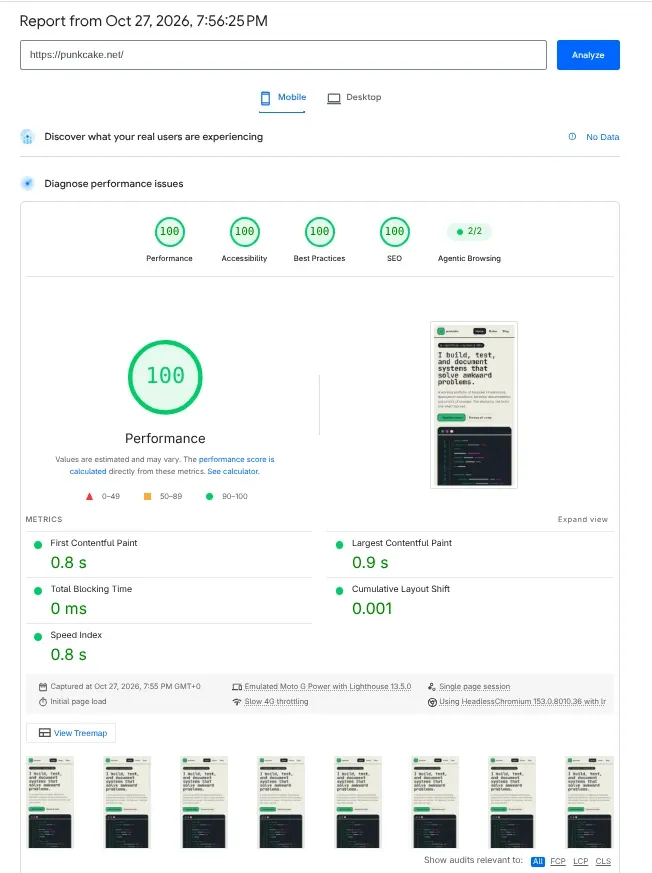
Getting accessibility to 100 meant darkening some of the small grey and magenta text, and fixing one post whose headings skipped a level.
What’s left to maintain
Almost nothing:
- package updates now and then
- no tokens or certificates to renew: the GitHub login uses short-lived tokens, and Cloudflare handles HTTPS
The old WordPress install isn’t used by the site any more, and it’s next on the list to retire.
Skills used
WordPress (headless, REST API, content migration), Astro, Markdown content pipelines, Sveltia CMS, Cloudflare Workers and static assets, Cloudflare Zero Trust Access, GitHub OAuth, Content Security Policy and security headers, CDN caching, responsive image optimisation (AVIF/WebP), accessibility, and Lighthouse performance tuning.